ChatGPT Gemini Timeline
ChatGPT & Gemini:Add Folders, Timeline & Prompts. - 为 ChatGPT & Gemini 添加文件夹、提示词库和时间轴。
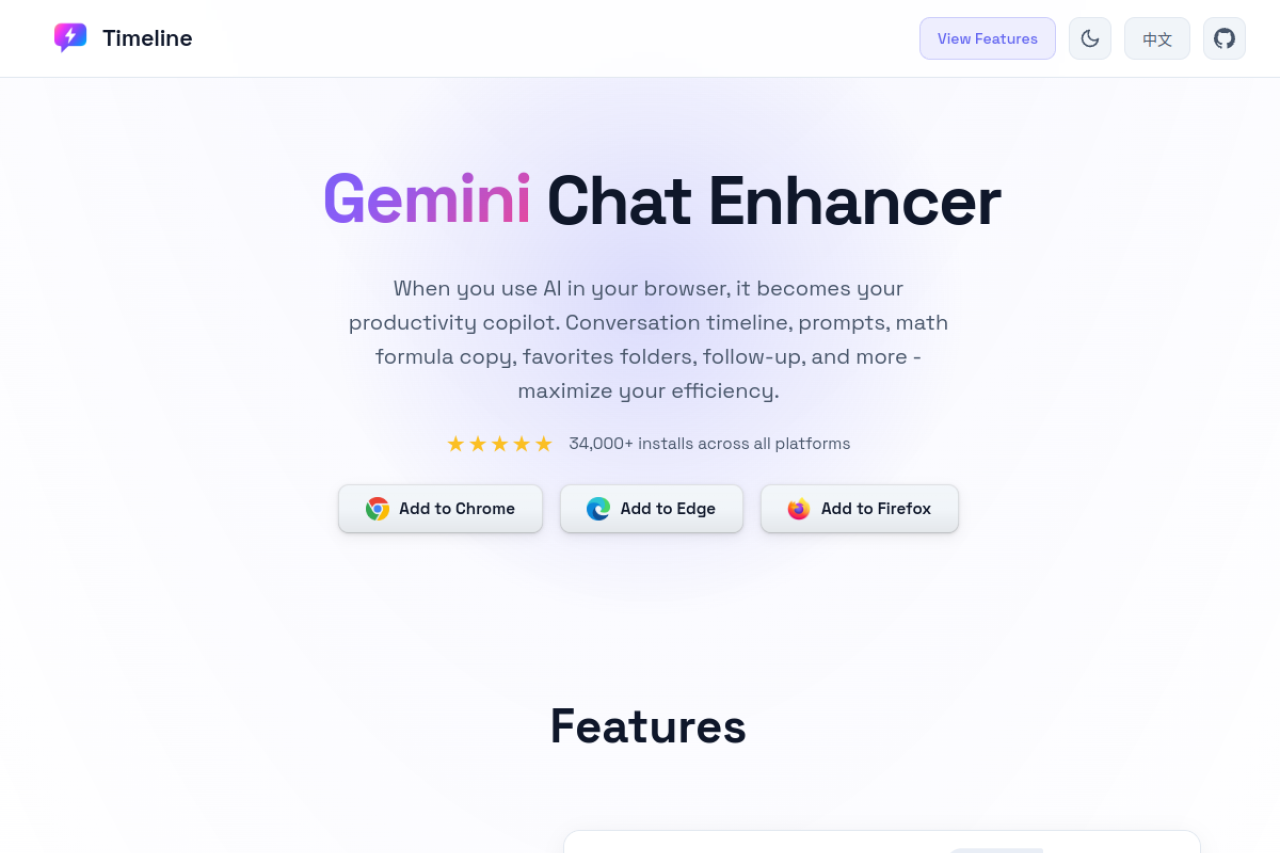
Timeline is a browser extension for AI chat pages. It keeps each platform's native interface intact while adding tools for long conversation navigation, organization, note taking, copying, and input workflows.
- Quickly return to a specific question in a long conversation. - Save valuable answers from different chats for later review and reuse. - Work with formulas, code blocks, and Mermaid diagrams more efficiently. - Standardize input behavior, reusable prompts, and follow-up workflows across AI platforms. - Back up or migrate extension data across browsers and devices.
Install from the official browser extension stores:
3 Reviews
Log in to leave a review.
Someone finally gave my endless AI chats a timeline, so now I can see exactly how long I have been arguing with a model. It layered onto the page without slowing it down. A search across folders would be the obvious next step.
Folders and a timeline for long AI chats fixes a daily annoyance I had stopped noticing. Jumping back to an earlier turn now takes one click instead of endless scrolling. It is the kind of small tool that earns a permanent place.
Organising sprawling conversations into folders with a timeline is a real accessibility win for anyone who relies on these tools heavily. Keyboard navigation of the timeline could be stronger, but the labels are clear and nothing important hides behind a hover. It made a cluttered history usable again.