Adaptive Browser
A browser that constructs bespoke UIs from API specs and your preferences
Reactions from the wild
1 reaction.
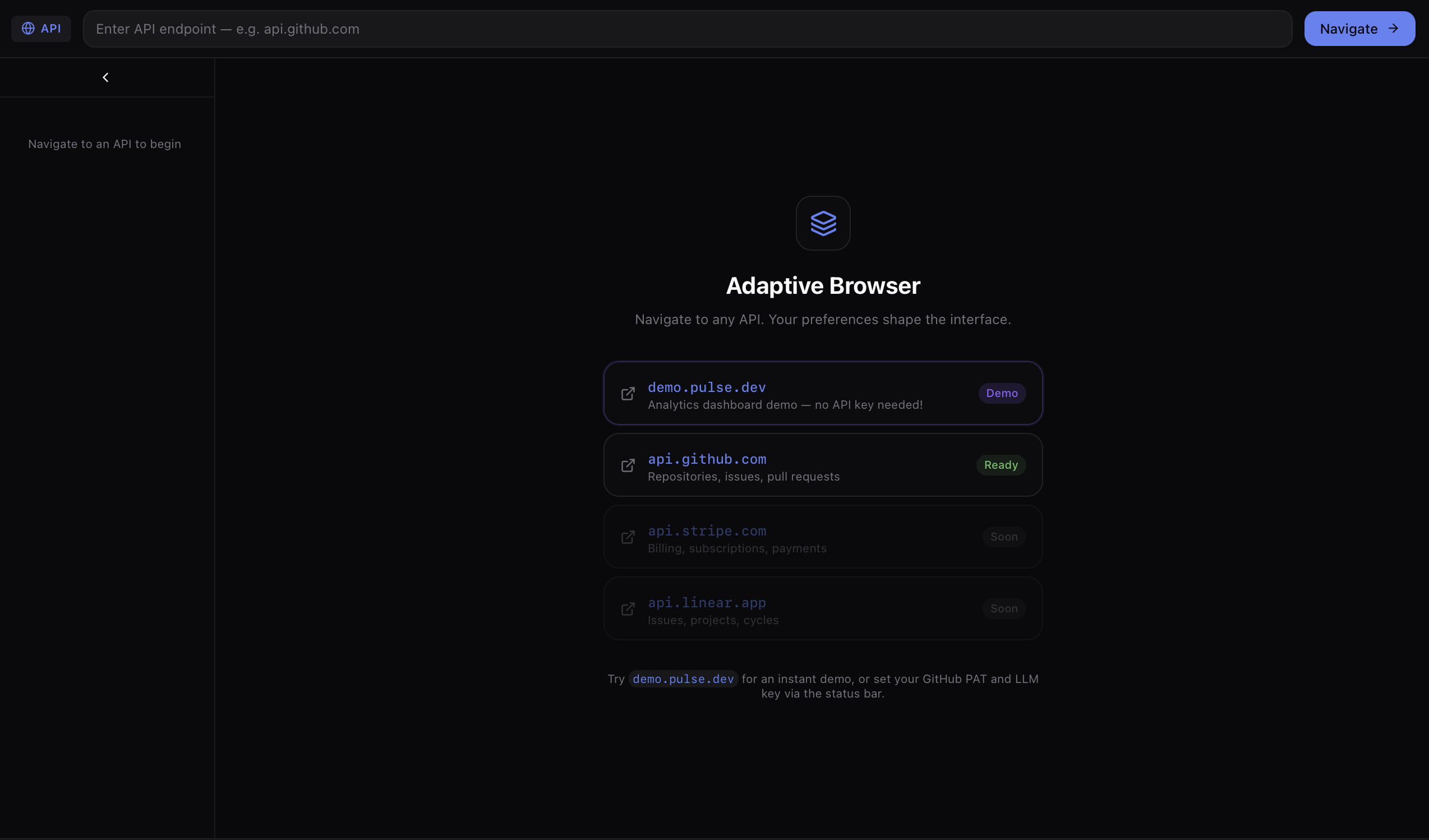
For new users, the key question is how onboarding works: do you paste in an OpenAPI or similar spec and get a generated UI immediately, or is there setup involved first to capture preferences? Also worth testing is an edge case: what happens with a poorly documented or incomplete API spec, does the browser degrade gracefully or fail to render usable UI at all?
About Adaptive Browser
## The Idea
Instead of servers dictating what you see, **your browser constructs the interface you need** from the API's capabilities and your preferences.
``` Server exposes APIs → Browser understands them → Your preferences shape UI → Browser constructs it ```
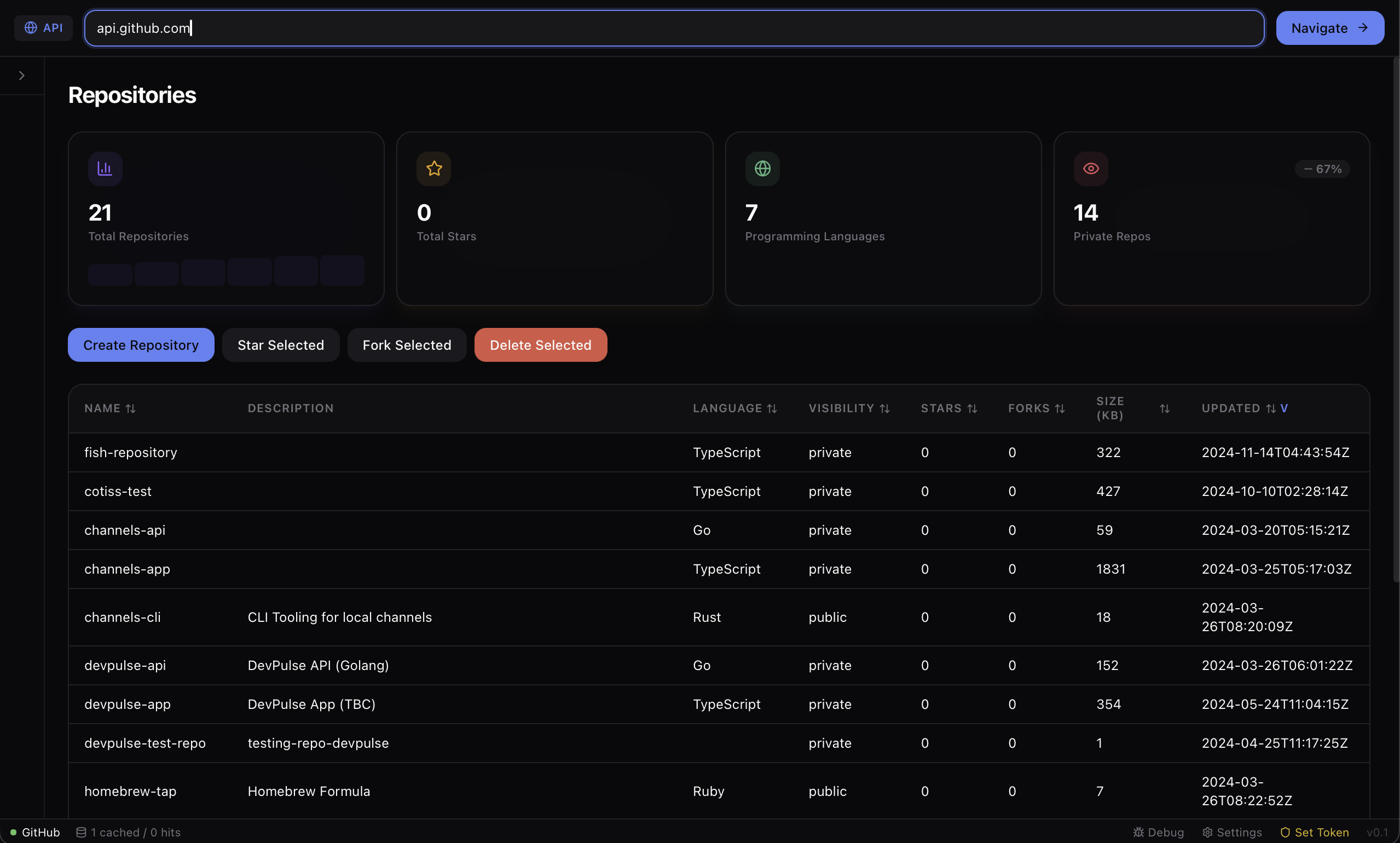
Navigate to an API and the browser builds a bespoke interface from the service's semantic capabilities — summary cards, bulk actions, sortable tables — all shaped by your preferences.
## Architecture
- **Tauri v2** — Native shell with a Rust backend. All API calls are proxied through Rust for security. - **React** — Frontend rendering via an OpenUI component system. - **UI Manifest** — A spec for services to describe their capabilities semantically (`/.well-known/ui-manifest.json`). - **YAML Preferences** — User + organization preferences that control the entire experience.
## Preference Layers
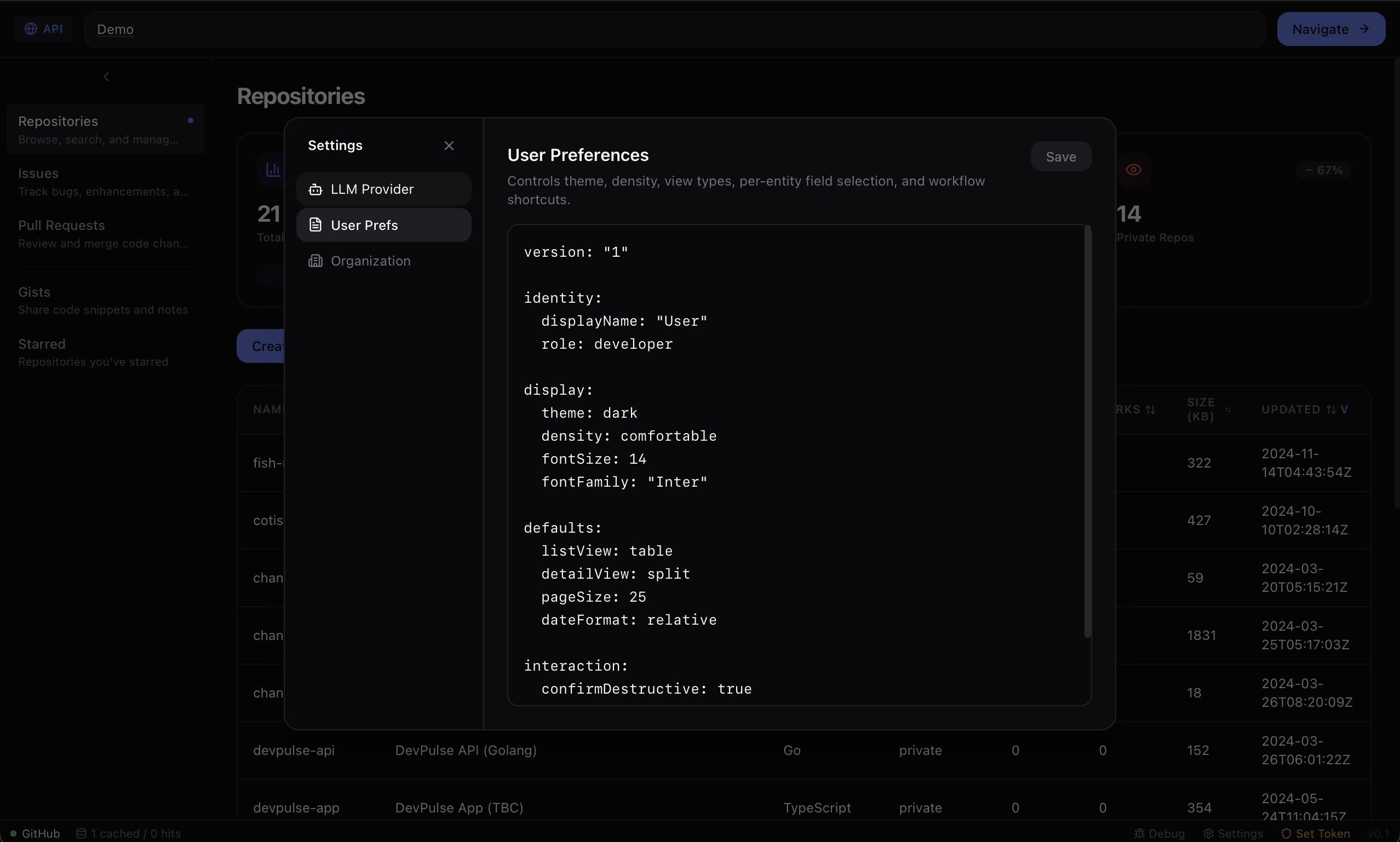
1. **User preferences** (`user.yaml`) — theme, density, view types, per-entity overrides. 2. **Organization preferences** (`org.yaml`) — constraints, required fields, forced values, allowed services.
Org preferences define the guardrails; users customize within those bounds.
## Status
Phase 1 ships a bundled GitHub manifest (`api.github.com`) covering Repositories, Issues, Pull Requests, Gists, and Starred. MIT licensed.