ASCIIKeyboard
A macOS menu bar app that transforms your typing into ASCII art with multiple FIGlet fonts.
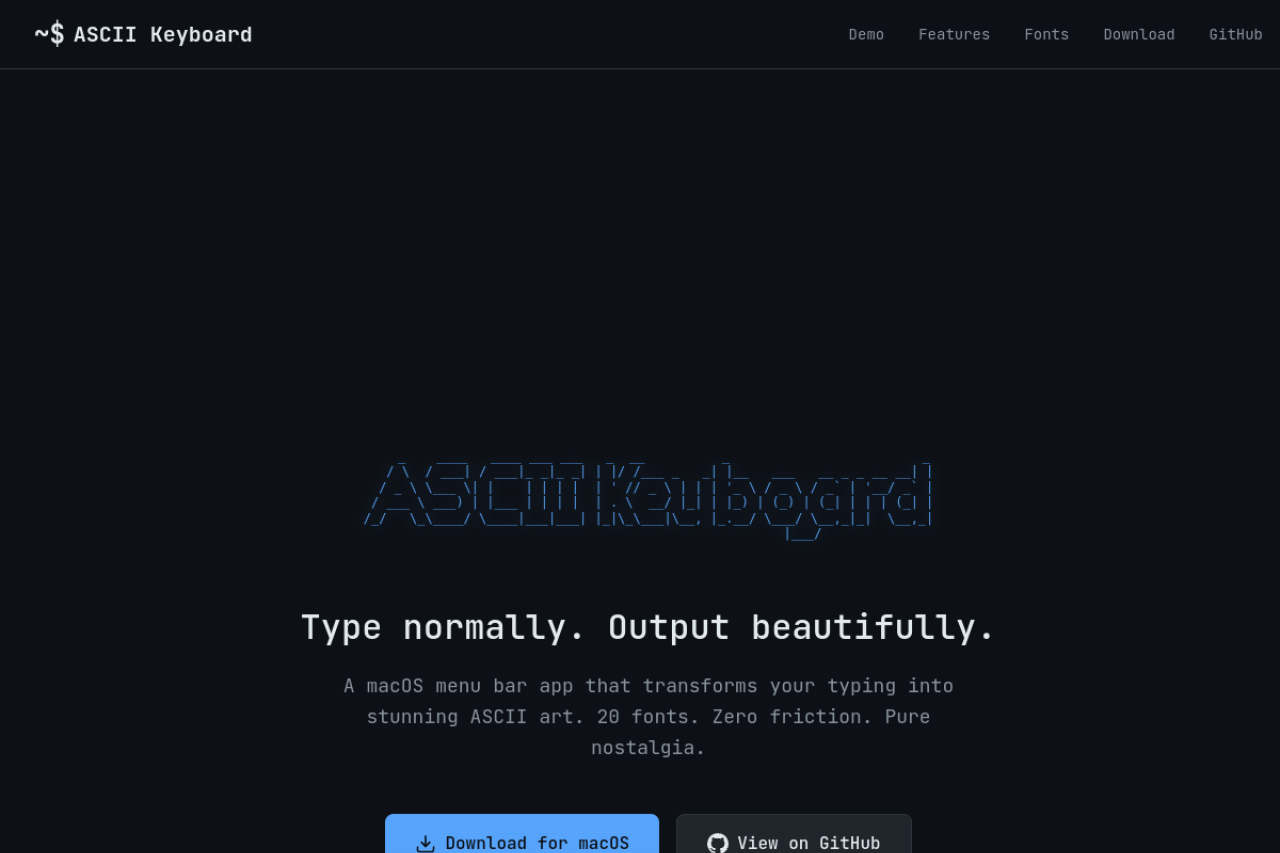
A macOS menu bar app that transforms your typing into ASCII art.
1. Download the DMG from [Releases](https://github.com/levz0r/ASCIIKeyboard/releases) 2. Open the DMG and drag ASCII Keyboard to Applications 3. If you see "app is damaged" error, run in Terminal: ```bash xattr -cr /Applications/ASCII\ Keyboard.app ``` 4. Open ASCII Keyboard and grant Accessibility permissions when prompted3 Reviews
Log in to leave a review.
Does one thing, does it instantly, gets out of the way. I keep it pinned now. No settings maze, no account, no nonsense. Pick a font, type, copy the art, done. It is the rare utility I installed and immediately stopped thinking about.
There is something quietly delightful about turning a plain sentence into a banner of stacked characters. It lives in the menu bar and never asks for attention until you want it. A small tool with a clear point of view, and it commits to the bit beautifully.
The font switching is the whole experience, and the previews update fast enough that you actually browse them. I would love a touch more padding in the dropdown, but the copy to clipboard flow is clean and the menu bar footprint stays tiny.